LockScreenNotes
Bilješke na zaključanom
ekranu
LockScreenNotes
Bilješke na zaključanom ekranu
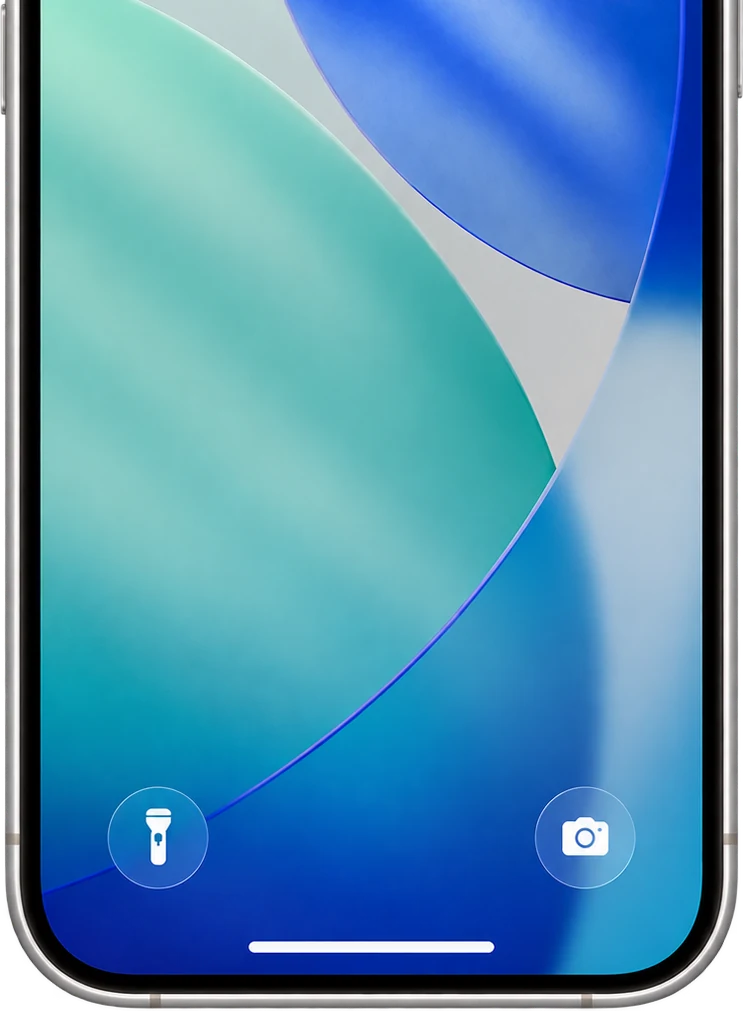
LockScreenNotes je aplikacija koja na zaključanom ekranu prikazuje bilješku koju ste napisali. Dizajn bilješke birate po svom ukusu. Sa zaključanog ekrana jednim dodirom možete napisati bilješku ili odmah tu označiti stavke.

Šta aplikacija može
Jednostavna za korištenje
Dodirnite bilješku na zaključanom ekranu da otvorite aplikaciju i zapišete ono važno. Sve se čuva samo, pa možete odmah zatvoriti i samo pisati.
Možete dodati slike
Zalijepite slike iz svoje biblioteke fotografija. Stavite fotografiju onoga što trebate kupiti i nećete uzeti pogrešno.
Direktno sa zaključanog ekrana
Zadaci bez otvaranja aplikacije
Označite polja direktno sa zaključanog ekrana. Spisak za kupovinu ili današnje obaveze — precrtavajte ih kako ih završavate.
Svi besplatni
Više od 100 dizajna
Odaberite dizajn koji pristaje pozadini vašeg zaključanog ekrana. A ako ga ovdje nema, sve možete sami osmisliti — od boje papira do boje teksta, linija i fonta.
I još mnogo toga
Možete šarati
Ne samo tastatura — pišite rukom i šarajte slobodno, kao na pravom ljepljivom papiriću.
32 fonta
Od rukopisnih preko serifnih do pikselastih – birajte između 32 fonta. Možete dodati i vlastite omiljene datoteke fontova.
Kompaktna veličina
Napravite „kompaktnu bilješku“ upola manje visine. Kratke bilješke ostaju male i ne smetaju pozadini ni obavještenjima.
Slatke ikone aplikacije
Promijenite ikonu aplikacije na početnom ekranu u bilo koji od 25 dizajna.
Bilješke ostaju u historiji
Starije bilješke se čuvaju pa ih možete ponovo čitati i uređivati kad god želite. Historija prikazuje i ukupan broj znakova, stranica i dana korištenja.
Bez naloga, sačuvano na uređaju
Bez registracije i prijave. Bilješke ostaju na vašem uređaju i nikad se ne šalju na server bez vaše dozvole.
Pristupačnost
Podržava VoiceOver, Dynamic Type, Smanjenje pokreta i još mnogo toga.
Česta pitanja
Je li zaista besplatna?
Da. Potpuno besplatna, bez kupovina unutar aplikacije.
Moram li otključati telefon da pročitam bilješku?
Ne. Bilješke se vide na samom zaključanom ekranu, a polja možete označiti bez otključavanja.
Šalju li se moje bilješke negdje?
Ne. Čuvaju se na vašem uređaju i nikad ne odlaze na server bez vaše dozvole. Ni nalog nije potreban.
Postoji li verzija za Android?
Zasad ne — LockScreenNotes je samo za iPhone (iOS).
Napomene
- *1
Ukupna ocjena u App Storeu svih zemalja i regija na dan 10. oktobar 2026..
- *2
Najviša pozicija na japanskoj listi besplatnih aplikacija, koju bilježimo svakog sata. Vrhunac: juli 2026.. Od tada se aplikacija drži između 40. i 49. mjesta u japanskoj kategoriji Produktivnost (41. mjesto na dan 13. oktobar 2026.; između 37. i 48. mjesta u posljednjih 7 dana). Prva preuzimanja u Japanu trenutno iznose oko 500–900 dnevno.