LockScreenNotes
Notes on your
Lock Screen
LockScreenNotes
Notes on your Lock Screen
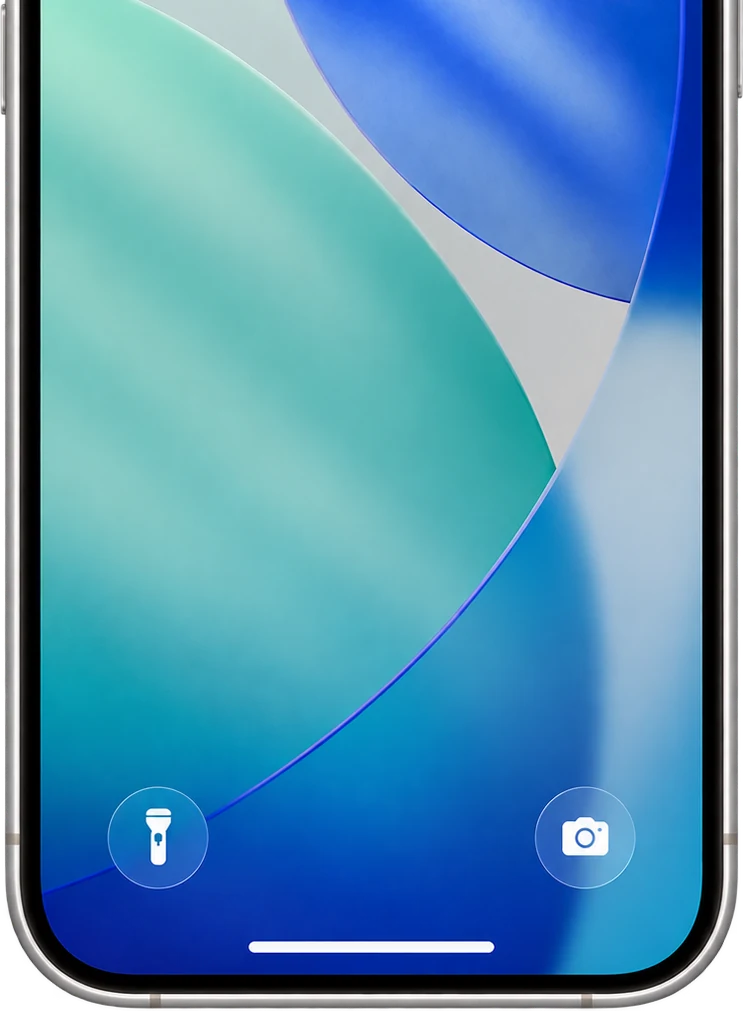
LockScreenNotes is an app that shows a note you've written on your Lock Screen. You choose the note's design to suit your taste. From the Lock Screen, one tap lets you write a note, or tick items off right there.

What it does
Easy to use
Tap the note on your Lock Screen to open the app and jot down what matters. Everything auto-saves, so you can close it straight away and just focus on writing.
Add images
Paste images from your photo library. Stick a photo of what you need to buy so you don't get the wrong one.
Right on the Lock Screen
Manage to-dos without opening the app
Check items off right from the Lock Screen. Shopping lists, today's tasks — tick them off as you go.
All free
Over 100 designs
Pick a design that matches your lock screen wallpaper. And if it isn't here, you can design it yourself — everything from the paper colour to the text colour, the lines and the font.
And more
Doodle away
Not just typing — handwrite your notes and scribble freely, like you would on a real sticky note.
32 fonts
From handwriting to serif to pixel type, choose from 32 fonts. You can also add your own favorite font files.
Compact size
Make a “compact note” at half the height. Short notes stay small, out of the way of your wallpaper and notifications.
Cute app icons
Dress up the app's Home Screen icon with any of 25 designs.
Your notes are kept as history
Past notes are saved so you can look back and edit any time. The history screen also shows your total character count, pages, and days used.
No account, stored on your device
No sign-up, no sign-in. Notes are stored on your device and are never sent to a server without your permission.
Accessibility
Supports VoiceOver, Dynamic Type, Reduce Motion and more.







FAQ
Is it really free?
Yes. Completely free, with no in-app purchases.
Do I have to unlock my phone to read a note?
No. Notes appear on the Lock Screen itself, and you can tick checkboxes without unlocking.
Are my notes sent anywhere?
No. Notes are stored on your device and are never sent to a server without your permission. No account is required.
Is there an Android version?
Not at the moment — LockScreenNotes is iPhone (iOS) only.
Notes
- *1
The combined rating across the App Store in every country and region, as of October 10, 2026.
- *2
The highest position in Japan's free app rankings, which we record every hour. The peak came in July 2026, and the app has since stayed between #40 and #49 in Japan's Productivity category (#41 as of October 13, 2026; between #37 and #48 over the last 7 days). First-time downloads in Japan currently run at about 500–900 a day.