LockScreenNotes Creator Notes
Your design,
on someone's lock screen.
With Creator Notes, you can publish the note designs you make to users all over the world.
Create a designFree for individuals and companies alike (subject to review)
What is LockScreenNotes?
Notes on your
Lock Screen
What is LockScreenNotes?
Notes on your Lock Screen
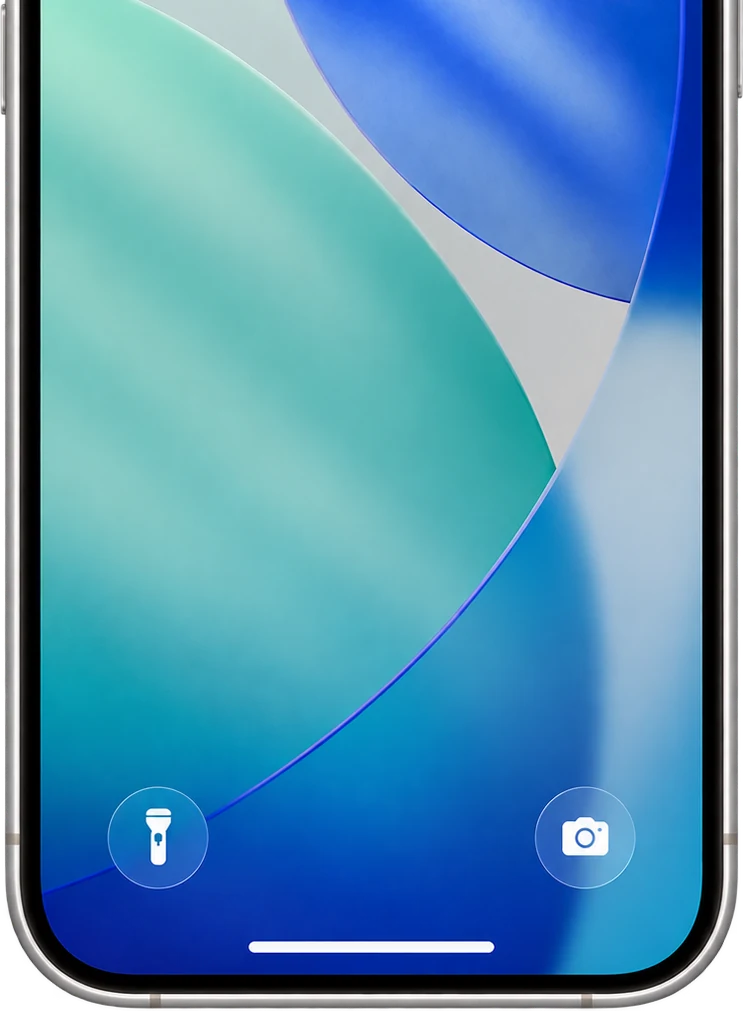
LockScreenNotes is an app that shows a note you've written on your Lock Screen. You choose the note's design to suit your taste. From the Lock Screen, one tap lets you write a note, or tick items off right there.Learn more

4.6
Rating
24,284 ratings
#3
Productivity (Free, Japan)
July 5, 2026
#5
All Apps (Free, Japan)
July 6, 2026
The rating combines the App Store in every country and region, as of October 23, 2026. Rankings are the highest positions recorded in the Japanese App Store's free app charts.
What is Creator Notes?
Free
There is no listing fee. Note sets that pass review are listed in the app for free.
Individuals and companies
Individuals, companies, businesses and brands are all welcome on the same terms. Follower counts and fame are not a requirement.
No fixed listing period
There is no set end date. Your note sets are listed alongside other creators' at the same time.
Users worldwide
Note sets are shown without splitting by country or region. Creators outside Japan can apply in the same way.
Delivered as note sets
- 01
Creator account
One account can make up to 10 note sets in total. Published, in review, draft and ended sets all count.
- 02
Note set
A collection of 4 to 16 designs. Review, publishing and listing in the app all happen set by set.
- 03
Note design
A single note that sets the paper color, lines, text and where pictures go. Each one works in both the regular and the compact size.
Show it off on your own page
You get a public page as a creator, and a page for each note set. Share it on social media, and anyone with the app can open your note set from there.
lockscreennotes.com/creator/@username/
How to get listed
01
Sign up as a creator
Sign up with your email address. You must be 18 or older, and an adult under the laws where you live.
02
Design your notes
With a preview link, you can check unpublished designs on your own iPhone.
03
Review
Review takes about a week. You'll hear the result by email and in your dashboard.
04
Publish
Once approved, you can publish your designs to about 130K users around the world.
FAQ
Does it cost anything?
No. Creator Notes is free and review-based, with no listing fee.
Can individuals take part?
Yes. Individuals and companies are welcome on the same terms, and follower counts or popularity are not a requirement. You make the designs yourself.
Can I apply if I live outside Japan?
Yes. Nationality and location make no difference. Listed note sets are also shown without splitting by country or region.
Can I use AI-generated images or characters?
Yes. You don't need to declare or label AI use. Rights checks and the rules on prohibited content are the same as for any other material.
Who owns the rights to my material?
The rights stay with you (or the rightful owner). Review checks that you own the material or have permission to use it. We ask for the URL of your official social media or website, and may ask for more documents if that isn't enough.
Can I edit a design after it's published?
Yes. Edit the published design in your dashboard and submit the update; once it's approved and you publish the update, it reaches the notes of everyone using that design. For a different design, add it as a new one (up to 16 per set). Changing the order takes effect right away, without review.
Can I change the set name or description?
Yes. Changes go through review again, and the app keeps showing the previous version until the change is approved and you publish it.
Can users edit the notes?
Users can edit the text, drawings, their own stickers, text color and font as usual. They can't move or remove the pictures you placed, or change the design itself, such as the paper color.
Creator Notes
Your notes, on the lock screen.
creator.lockscreennotes.com
Notes
Our promise to users
Because these are notes people use every day, some things are kept fixed.
Users can edit the text, drawings, their own stickers, text color and font. They can't move or remove the pictures you placed, or change the design itself, such as the paper color.
Only the note's look and what the user wrote appear on the lock screen. No ads, links or buy buttons. Prices, sales, calls to buy, limited-time promotions and the like can't be part of a design. A Creator Note is used only when the user chooses it, and never switches on its own.
Listing criteria
Review checks only three things: that the design isn't in a prohibited category or content; that you own the material or have the right to use it; and that it works well as a note, following the design guidelines. If it meets them, it's approved; taste in style and popularity are not criteria.
We can't list alcohol, tobacco and nicotine products, gambling, adult content, crypto assets, medicines, products that can't be shown to minors, election or political messages and campaigning, religious solicitation, or content urging people to join social movements, sign petitions, donate or take part. We also don't list anything illegal, infringing, impersonating, false or misleading, discriminatory or hateful, or likely to cause serious harm. The same principles apply in every country.
When a listing ends
You can delete a design or end a note set at any time, immediately, without notice. An ended set is removed from the app's lists and search, and can no longer be newly chosen. Users who were using it keep their text, drawings and stickers; only the design goes back to the default. The app tells them once. A note on the lock screen switches to the default design when the user opens the app.
Deleting and ending can't be undone. To publish again, apply as a new note set. Ended sets still count toward the 10 sets per account. We may stop a listing if there is a rights issue or a serious violation.